Your shoots, your visuals and your AI in one place.
No more visuals scattered across emails, transfers and shared folders. You book, follow the shoot live, keep the photos you like, then repurpose them with the AI studio and the Creative Agent, from one workspace for your whole team.
- Follow the shoot live
- Delivered 48 to 72 h after the shoot
- Pay only for the visuals you keep
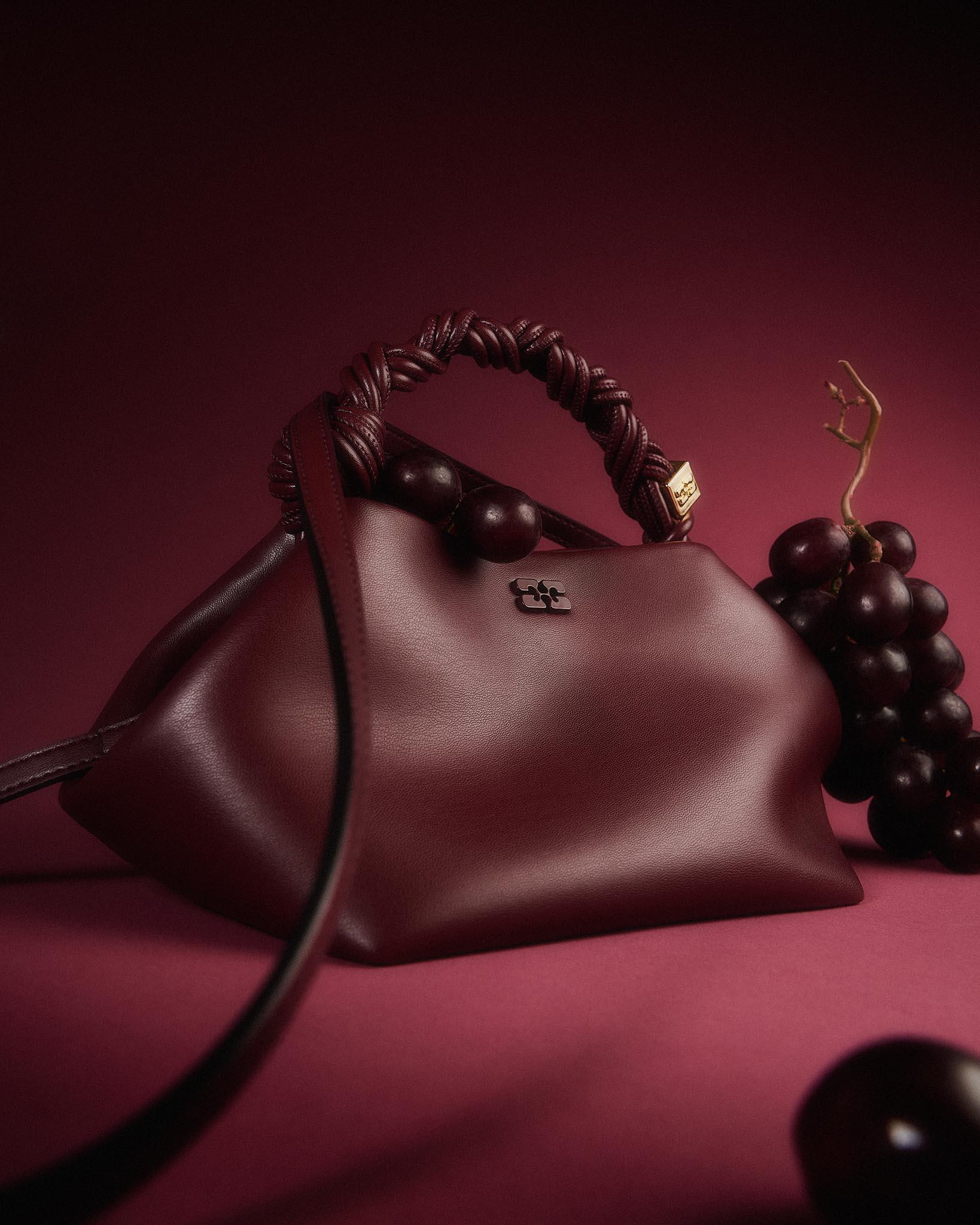
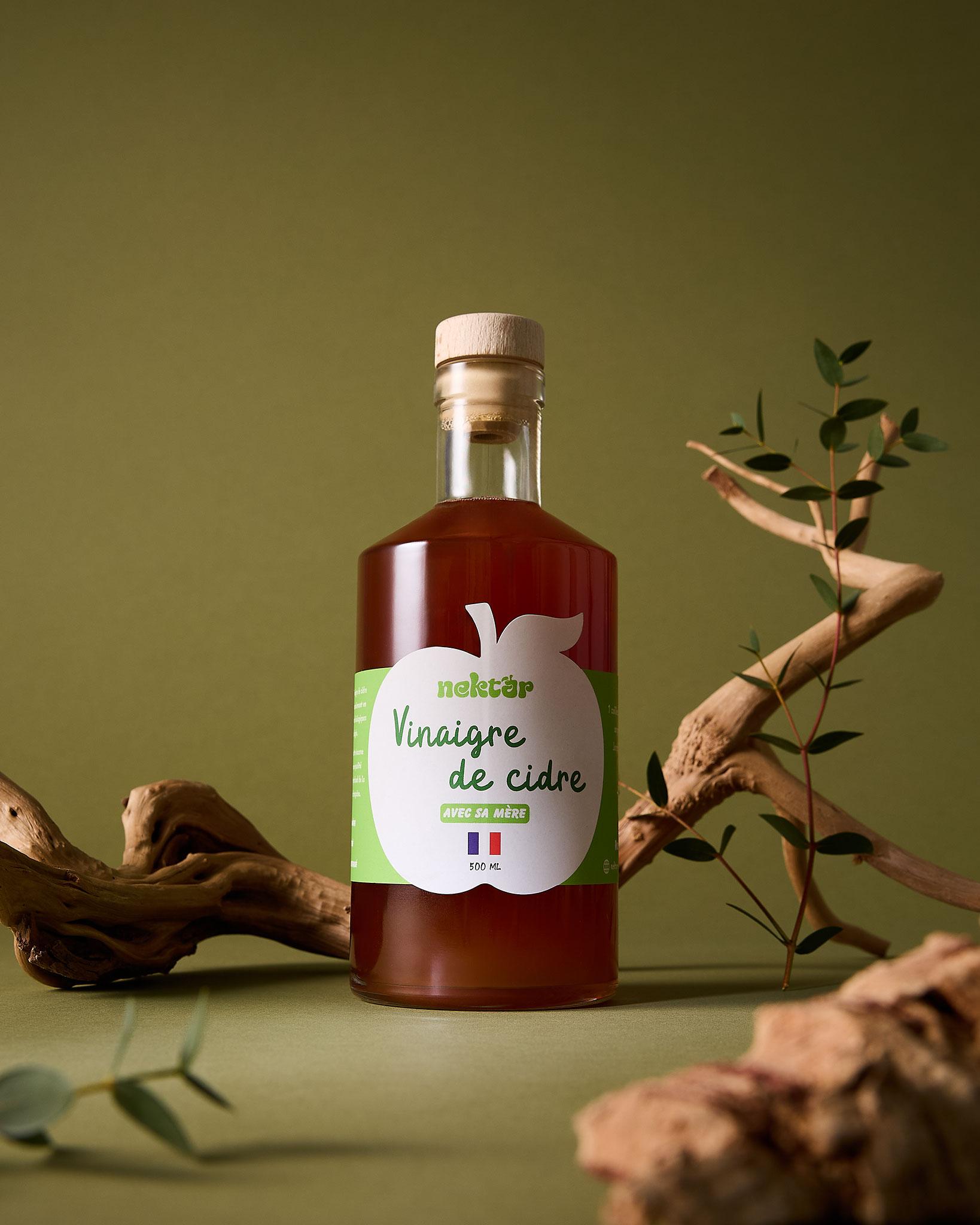
How it works
From brief to product page, in four steps.
Book and brief
Choose photo or video, your sets and your talents, then describe each scene with your references. Shipping your products to the studio is included.
Follow the shoot live
Photos land in your gallery during the session, with a video call link to talk to the team on set.
Keep what you love
Select your visuals, ask for a retouch with a note on the photo, and pay only for the ones you keep. Delivered in HD 48 to 72 h after the shoot.
Repurpose without a new shoot
The AI studio changes the background and adapts each visual to your channels. The Creative Agent creates a new series from your product photos.
Every order tracked, from shipping your products to delivery.
Your workspace shows where each shoot stands and what is left for you to do, step by step.
- A brief per scene, with your references and props
- The shipping label and parcel tracking to the studio (France)
- The live gallery and a video call link on shoot day
- A retouch requested in one note, right on the photo
- Visuals delivered in HD, downloadable one by one or as a ZIP
- Return, pickup or recycling of your products after the session
- Your shoot
- Booked
- Products received at the studio
- Shoot in progress
- Selection and retouching
- Visuals delivered
 Live
All your visuals, organised by product.
The gallery holds the whole account's visuals: the studio's, those from the AI studio and the Creative Agent, and the ones you upload.
- Sorted by shoot, filtered by product
- Search by product, file name or photo number
- Albums of liked and purchased visuals
- Your own visuals uploaded and tagged automatically
- One page per product, studio and AI visuals side by side
- A 7-day share link to show your visuals
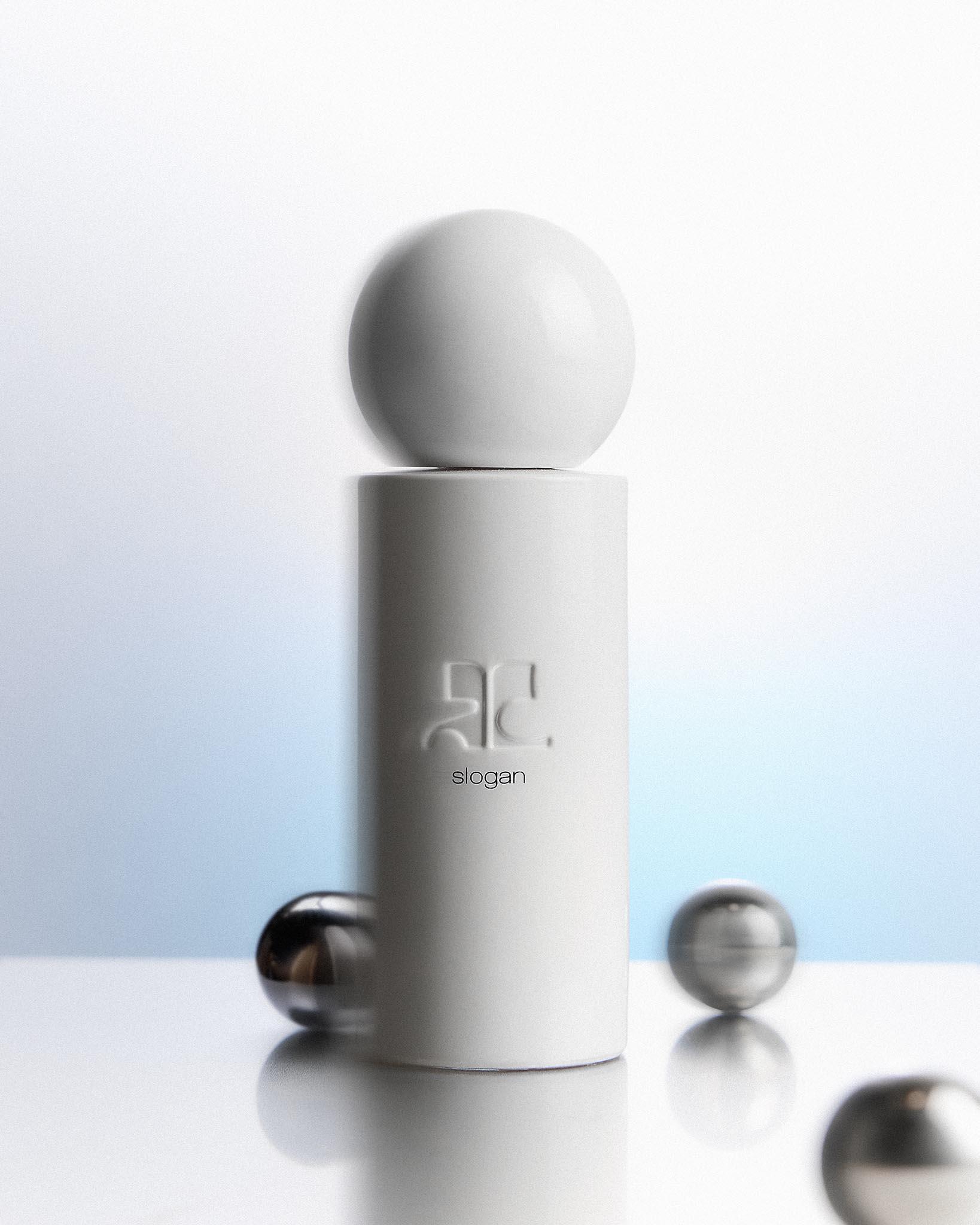
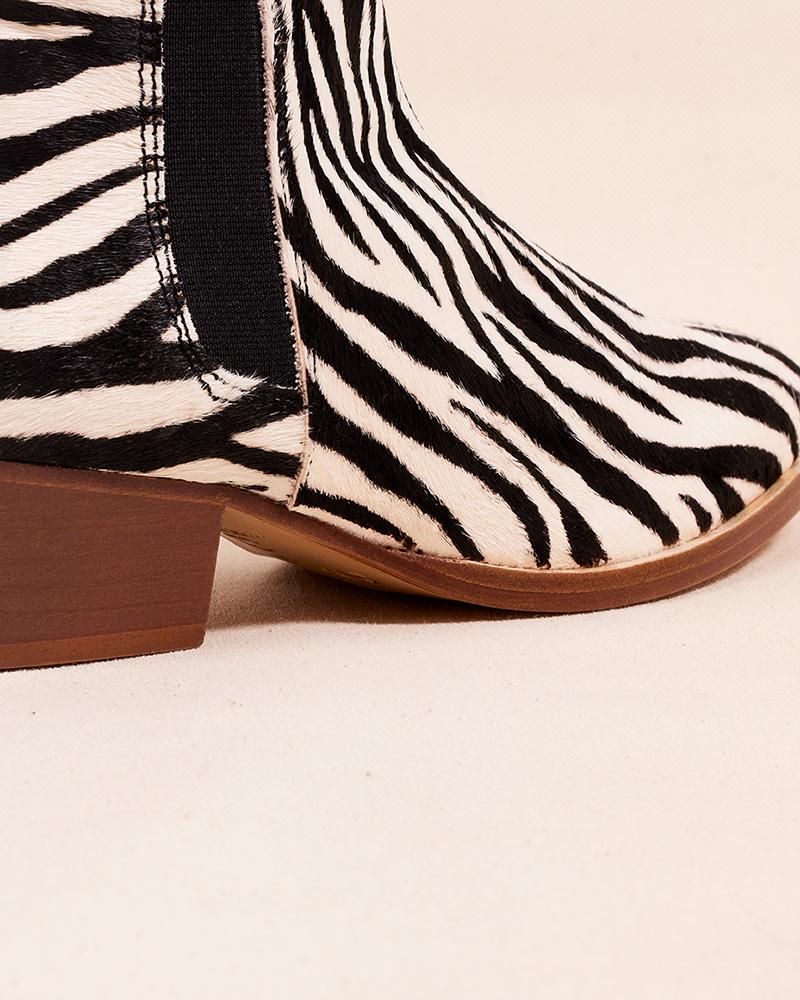
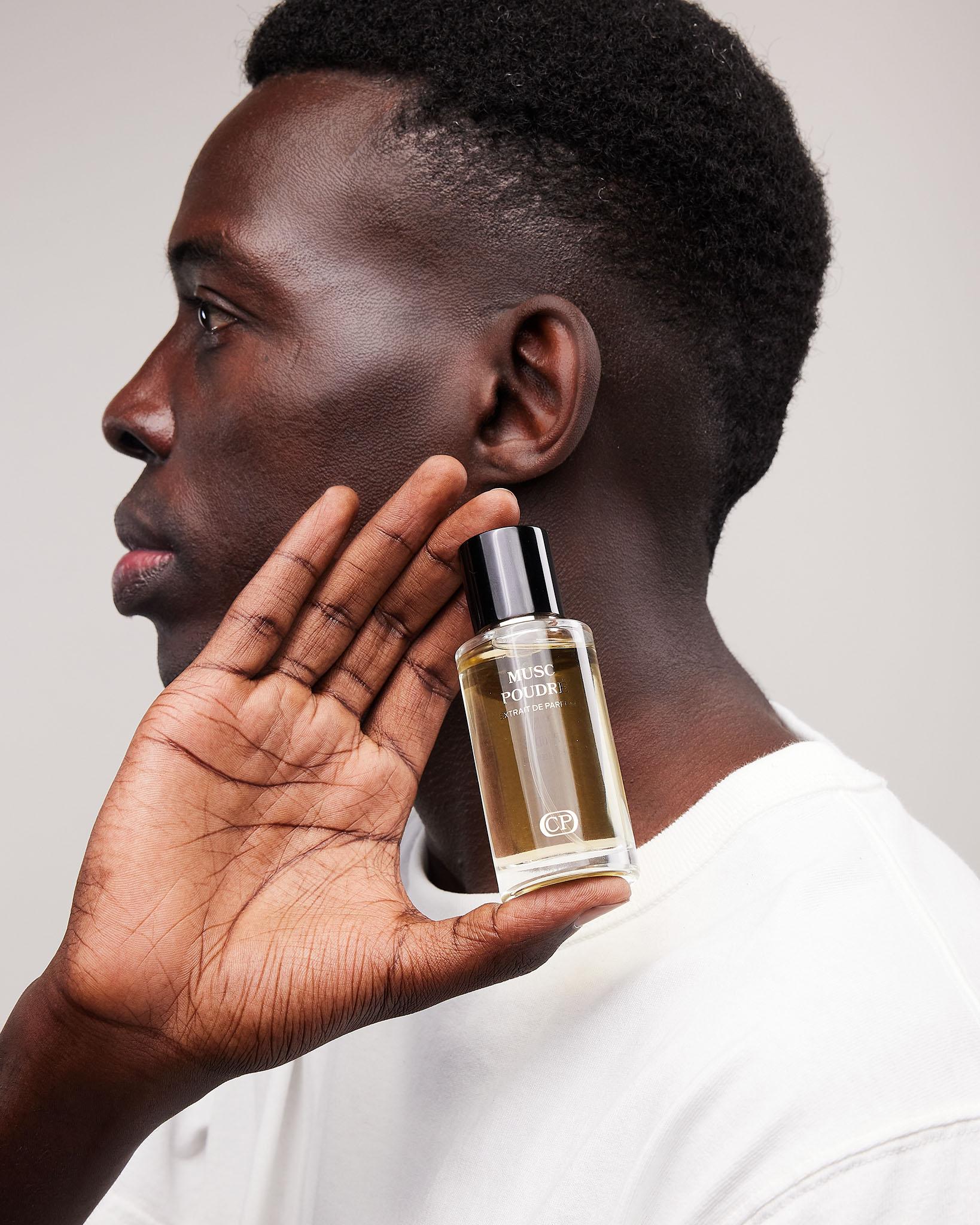
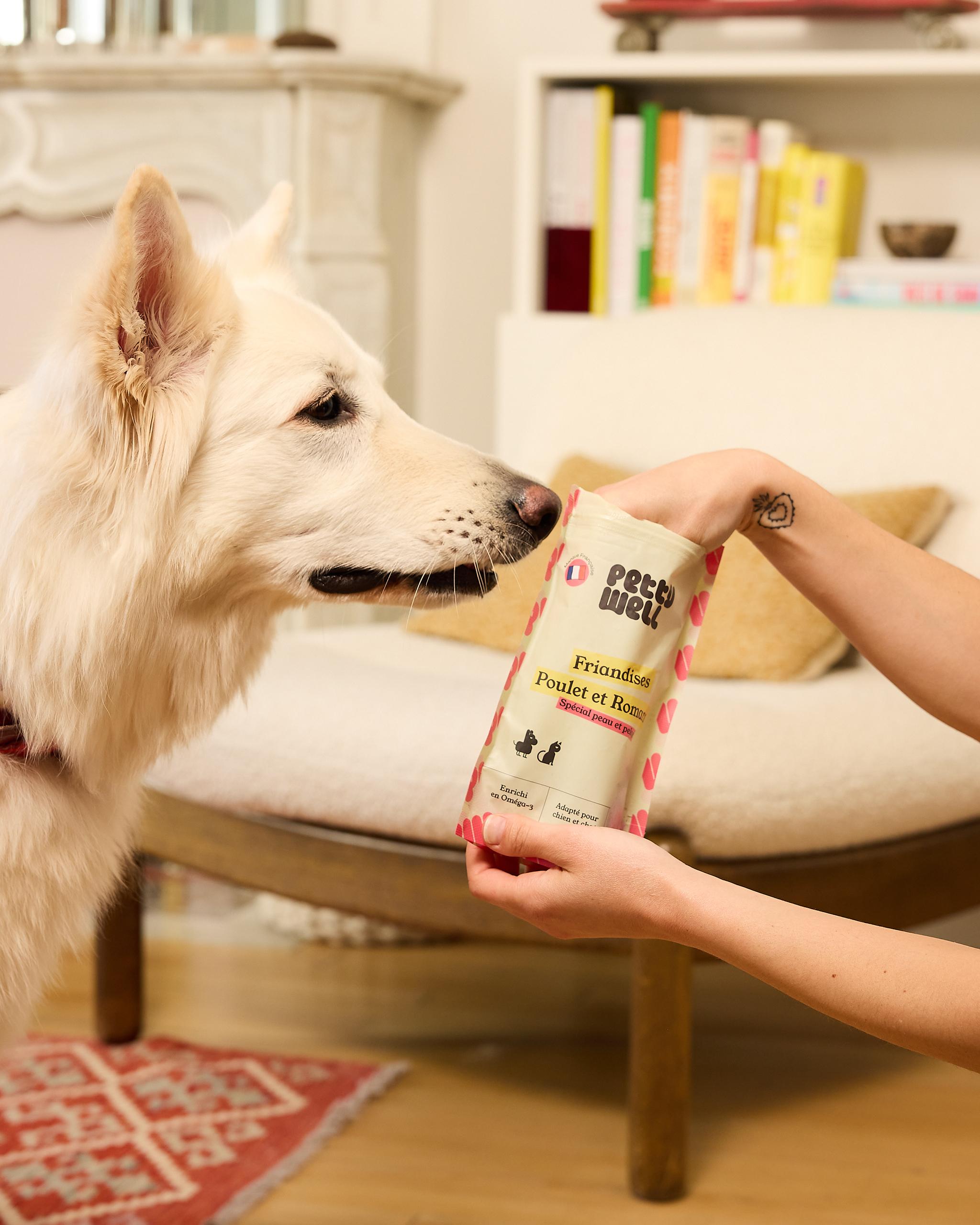
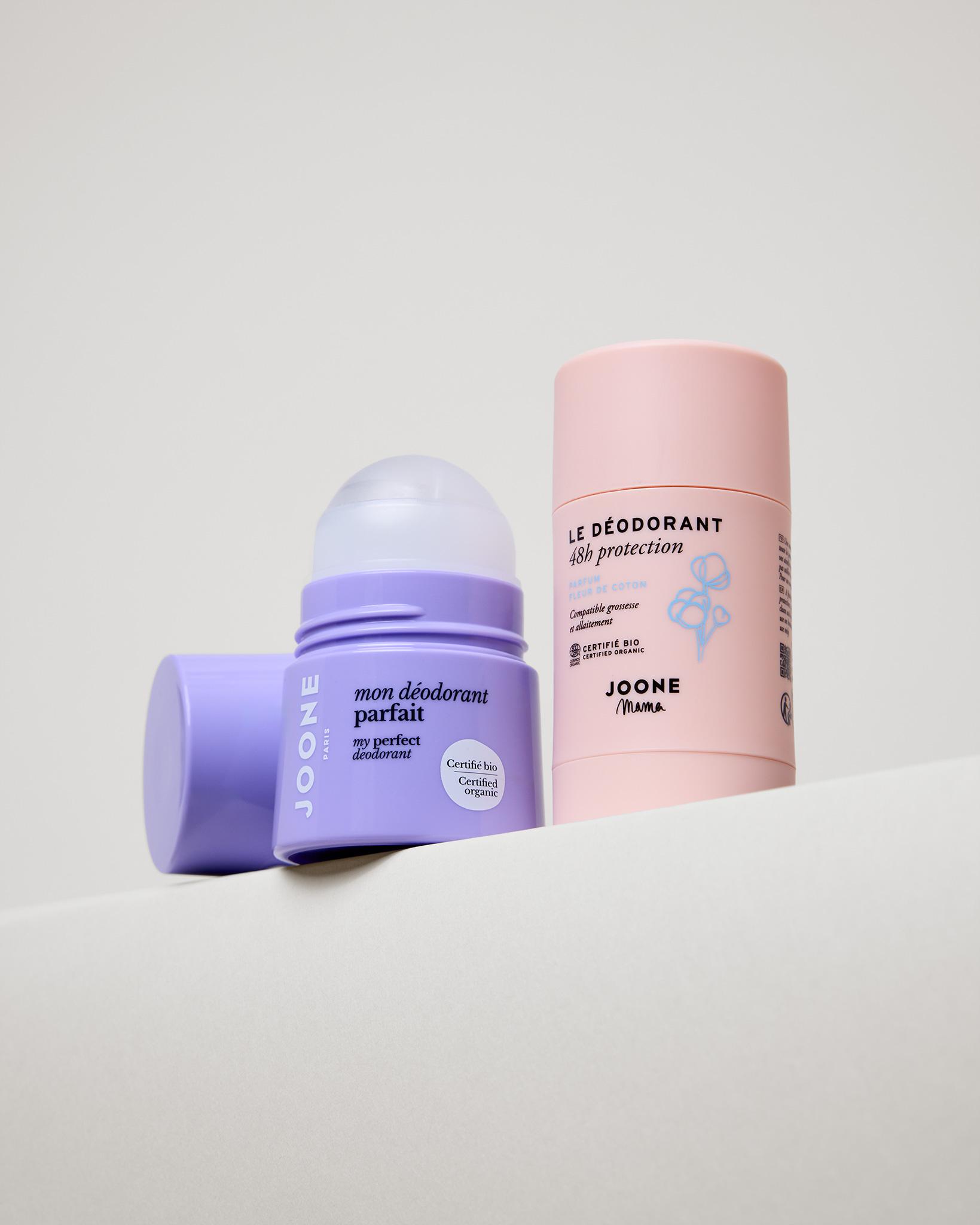
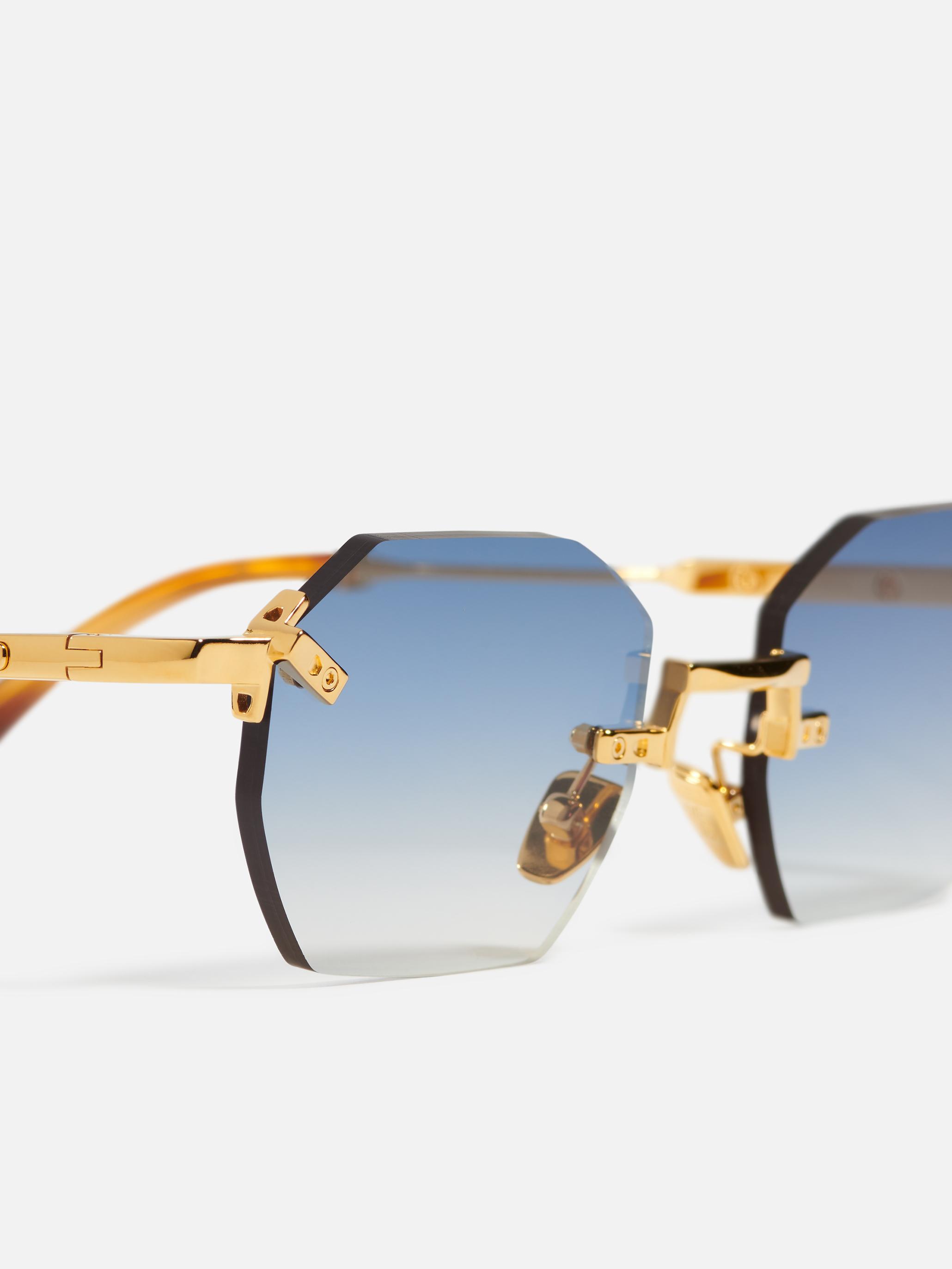
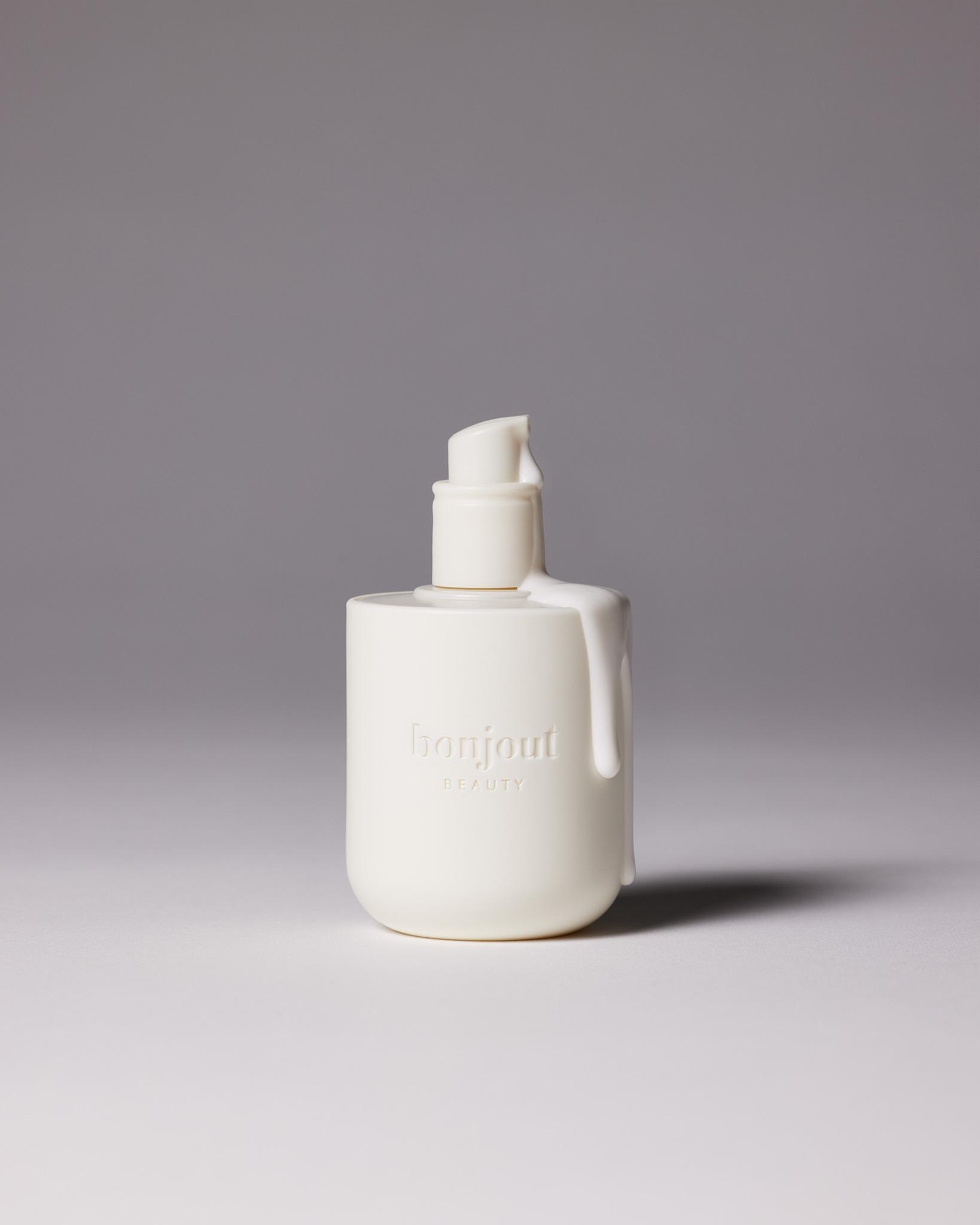
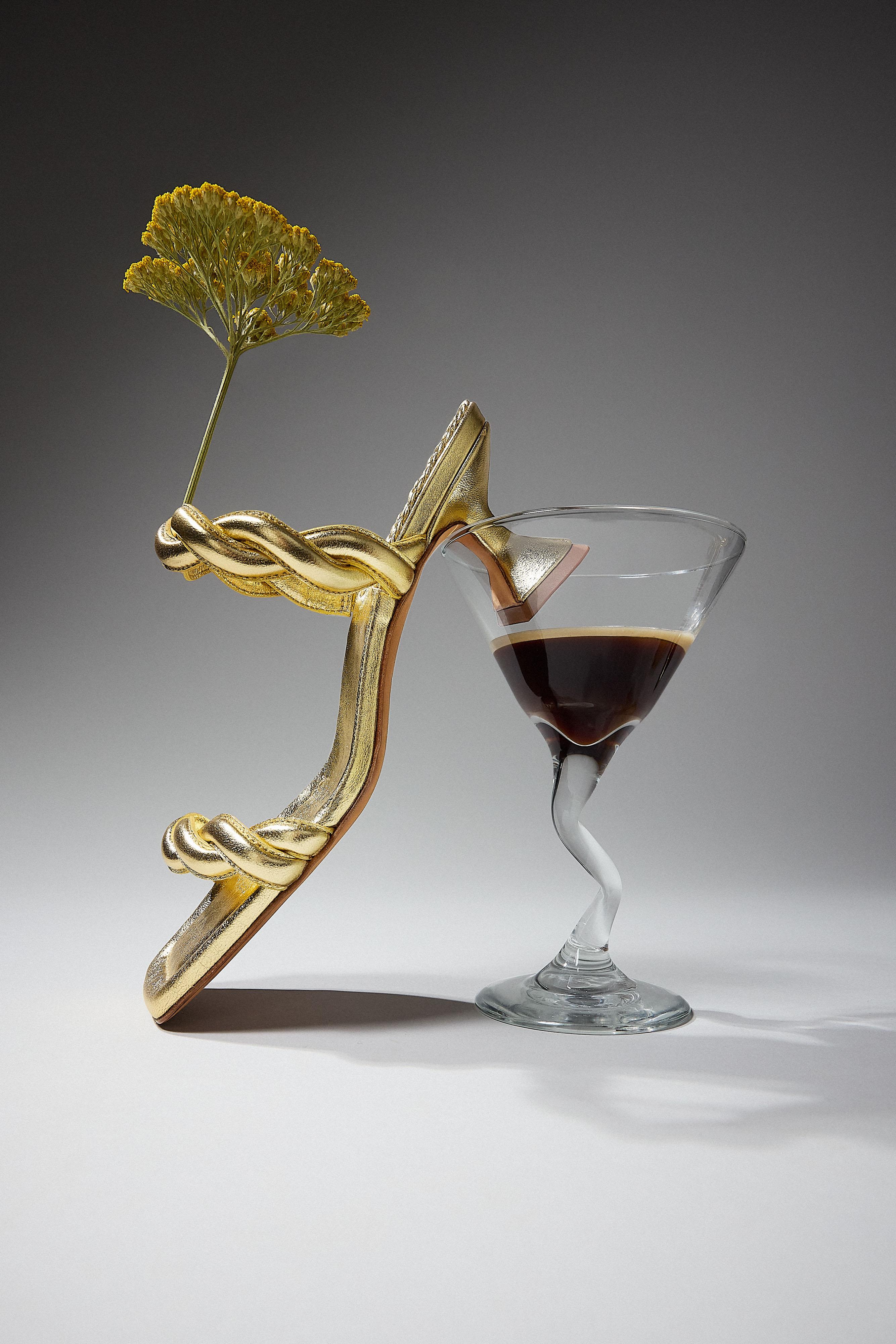
One visual, adapted for every channel.
Six tools to rework your shoot photos without a new session, from your gallery or the product's page.
- Change the background
- Remove the background
- Lifestyle scene
- UGC-style photo
- Upscale to high definition
- Social and marketplace formats
Each generation uses one AI credit, refunded if it fails.
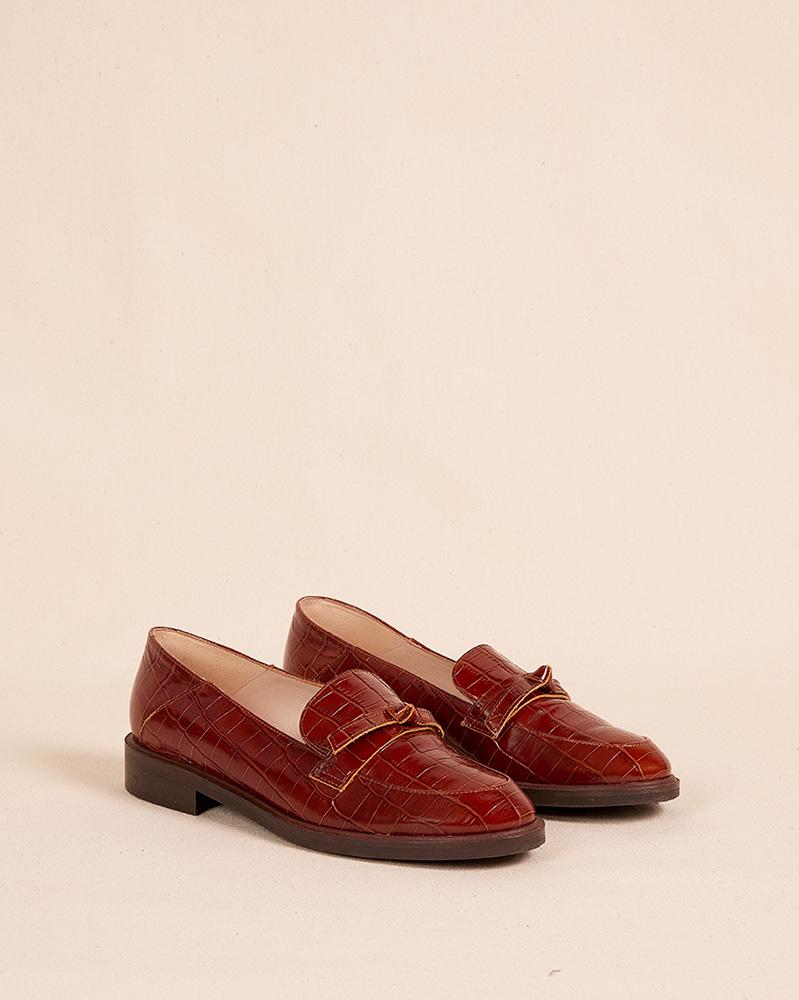
Hand over a brief, get a series of visuals.
The Creative Agent reads your brand and your brief, then produces the visuals from your product photos. It checks each one against your product before delivering it, and remembers your brand rules from one session to the next.
One AI credit per visual, retries are free. Video clips from 4 to 30 s: 5 credits per 5 s block. AI credits are included in Shootime plans.
Your account opens straight onto the agent.
Your brief
A text, photos, a document or your website's link.
Its questions
It reads your brand and asks about what the brief leaves open.
The concept
It writes down the concept and the direction before producing.
The visuals
Each visual is compared with your product, redone if it fails, then delivered to your gallery.
Your brand, right inside Claude and ChatGPT.
The Shootime MCP connector links your assistant to your account: it reads your brand, finds your visuals and makes new ones in your style, with your AI credits. The visuals land in your gallery.
- Your identity, voice, rules and references, read by the assistant
- Your products and delivered photos, found in one sentence
- Visuals and video clips paid with your AI credits, within the daily limit
- The rules it suggests only join your brand once you approve them
Connect your assistant
- In your space, open Settings, Assistants and copy the connector address.
- Add it in Claude or ChatGPT as a custom connector.
- Choose what it may do, then ask for your visuals.
Disconnect it whenever you like: access stops at once.
Make me 3 Instagram visuals of the new collection, in the style of the last campaign.
- Reads your brand: identity, voice and rules
- Finds the visuals of the last campaign
- Makes the visuals from your product photos
Claude · via Shootime


3 visuals made · 3 AI credits · added to your gallery
Your whole team on one account.
Invite your colleagues and choose what each of them can do. Team accounts are open with an active plan.
- Invitations by email, rights you can change at any time
- Rights per person: book, use AI credits, manage billing
- Your photo credits and AI credits shown in your settings
- Each member's AI credit usage, for the owner
- An agent session shared with the team in one link

Camille
Brighten the background behind the bag


FAQ
Your questions about the platform
Creating your account commits you to nothing. Your orders, your gallery and your products come with your shoots. The AI studio and the Creative Agent use AI credits, included in Shootime plans.
Make your ecommerce brand shine.
Photo, video, talents, UGC, ads and AI: book online in a few minutes or talk your goals through with an expert. Every day, 9am – 6.30pm.